A complete creative path
Move from concept to story, characters, style, pages, images and PDF in one workspace.
AI comic creation studio
Bandeo Studio turns an initial idea into a structured comic creation path: story, characters, art direction, page breakdown, images and final PDF.
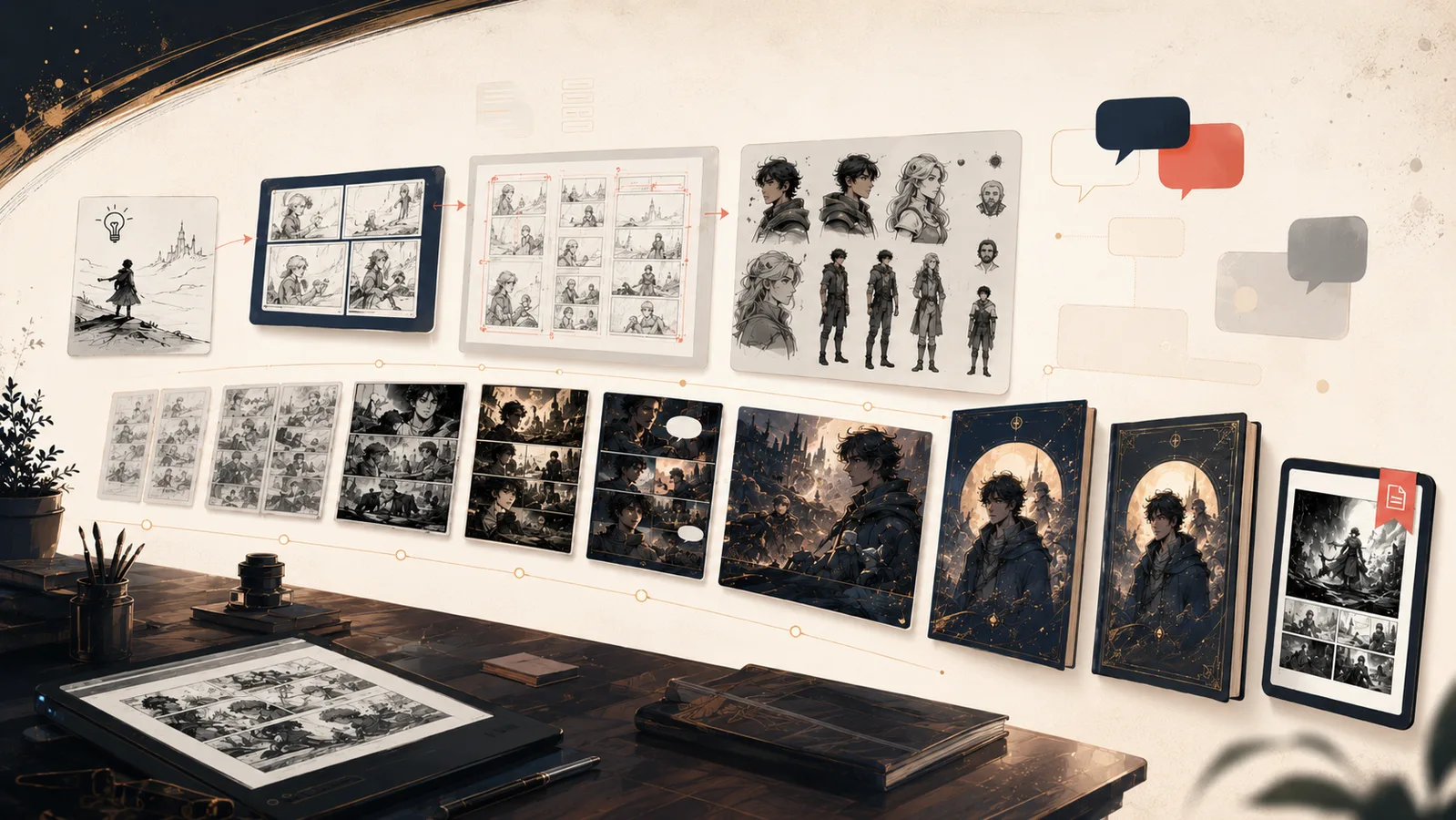
Key points
Move from concept to story, characters, style, pages, images and PDF in one workspace.
Generated images and PDF exports are organized so projects can be reviewed, resumed and kept safely.
Your projects, workshop notes, images and PDFs remain inside your signed-in space and are not shown on public pages.
Workflow
Start with a scene, audience, tone, format or creative intent.
Bandeo Studio prepares the story, characters, art guide and page plan.
Launch the creation, review the images and export the final PDF when ready.
FAQ
Bandeo Studio is an AI-assisted comic creation SaaS app. It helps turn an idea into a narrative structure, characters, pages, images and a final PDF.
Yes. The creation path covers concept, story, art guide, character references, page breakdowns, visual guidance, images and final PDF export.
Yes. Bandeo Studio prepares story text, dialogue, visual guidance and image tracking inside the workshop.
Yes. The Express Page logic supports shorter projects when a full comic is not needed.
Yes. Completed projects can produce a final PDF, images and useful files in your personal workspace.
Open the workshop, choose a format and let the studio organize the production path.